Last checked: 10 Nov 2026
Where to play Item Asylum
Play Item Asylum through its official Roblox experience page. Roblox opens its own client; this site provides the game link and platform guidance.
Start from the official experience
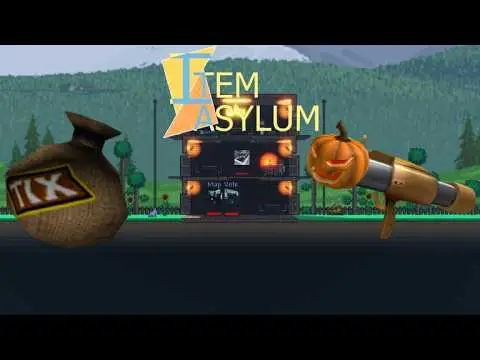
Check that the experience belongs to Jean’s Bizarre Community and that its place number is 5670218884. Use the Play button on Roblox to open the installed Roblox app. Item Asylum is described by its creator as a randomizer fighting experience: each respawn supplies a melee, a ranged and a miscellaneous item.
Computer, phone and console
On Windows or Mac, use Roblox’s official download page. On mobile or console, obtain Roblox through the official app store for that device, then open the experience from Roblox. The Roblox client’s availability and an individual experience’s device compatibility are different questions; use the experience page’s availability message for your device.
| Question | Answer |
|---|---|
| Price | The public Roblox record lists no paid entry price. Any optional gamepass purchase is separate. |
| Browser play | The website launches Roblox; it is not an embedded browser game. |
| Steam or standalone APK | The creator’s public listing points to Roblox. Use the official client channel above. |
| VR | No Item Asylum specific VR commitment was found in the cited public material. |
If the game does not open
Confirm Roblox is installed and updated, open the official link again, and check Roblox Status for a wider outage. If Roblox reports an experience or device restriction, follow that message rather than an unofficial download advertisement.
Questions
Do I need a separate Item Asylum installer?
The experience runs through Roblox. Use the official Roblox client and the experience link on this page.
Can I play Item Asylum inside this website?
The official play route opens Roblox. This site provides reference information and links.
Sources
- Roblox: Item Asylum · checked 2026-11-10
- Roblox official download · checked 2026-11-10
- Official Wiki: Item Asylum · checked 2026-11-10